 Skip to main content






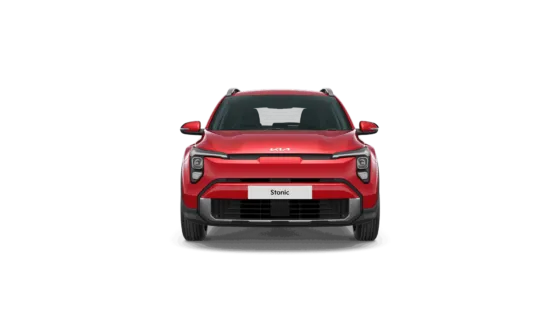
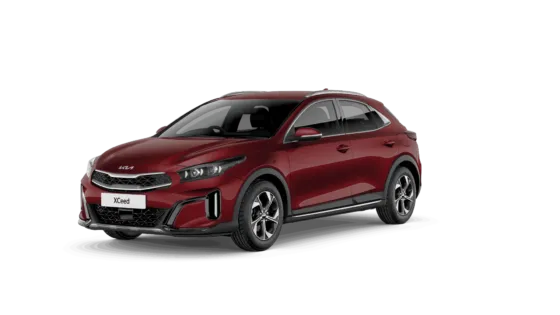
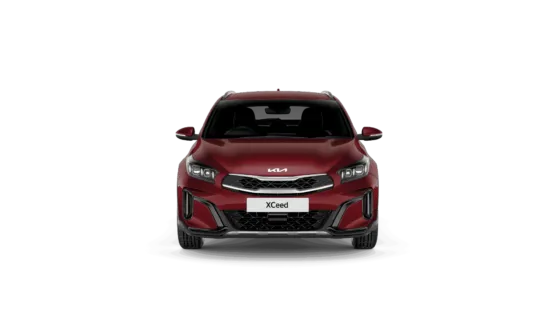
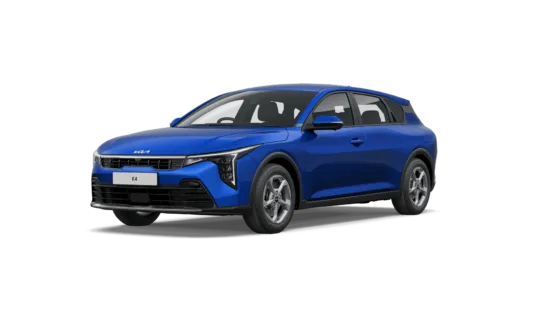
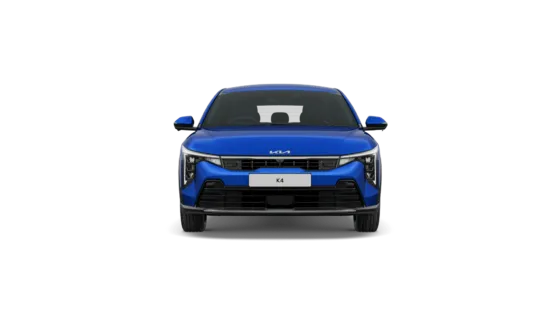
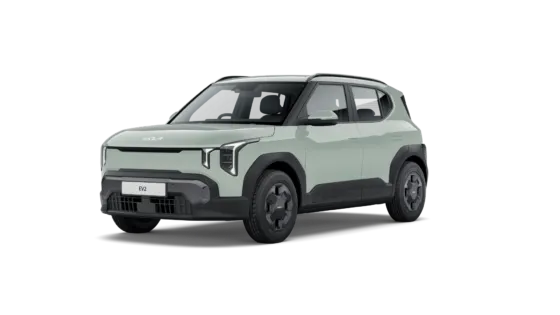
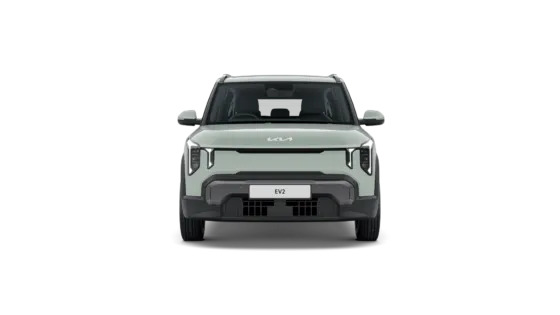


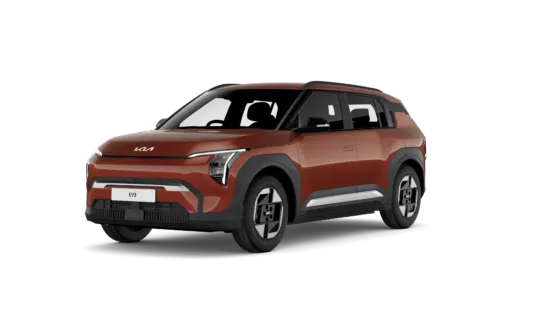
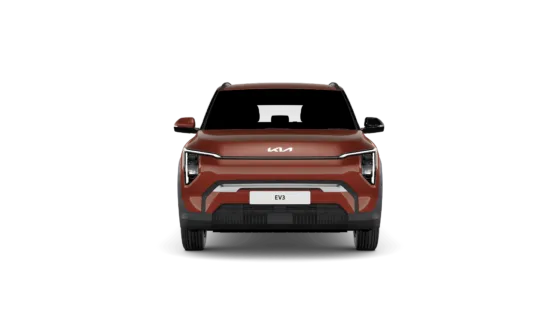
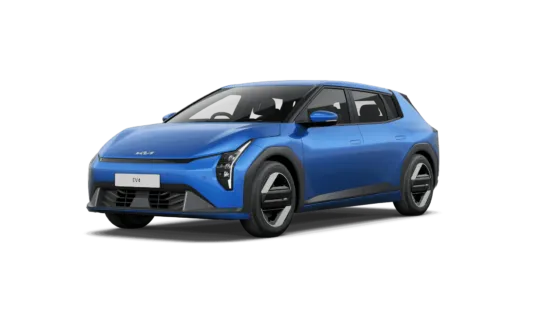
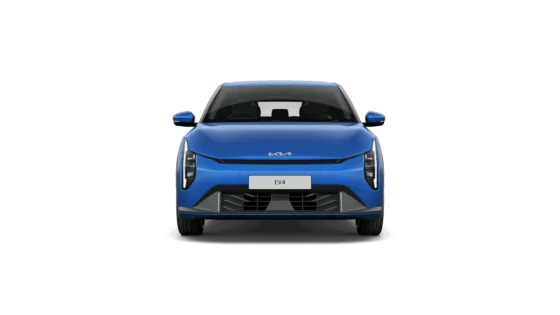
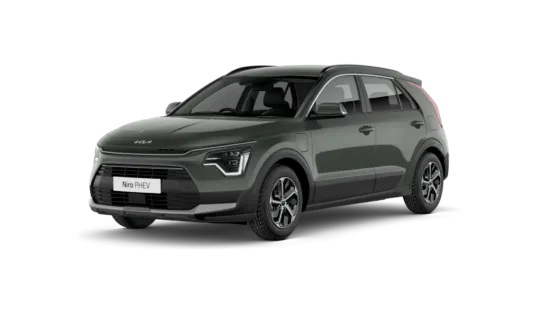
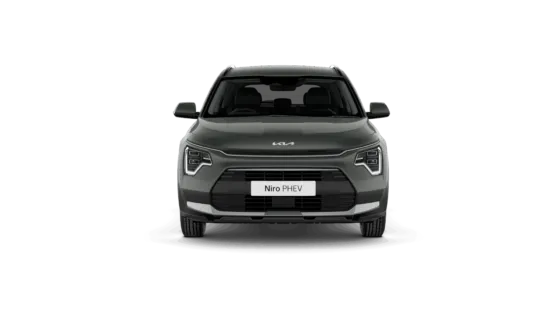
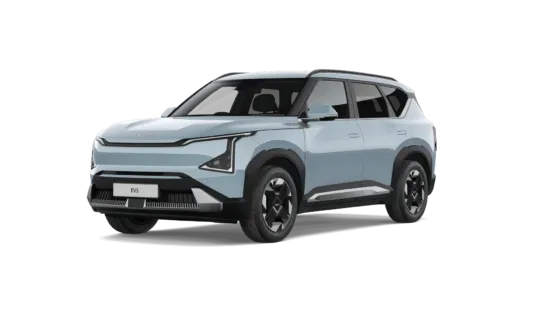
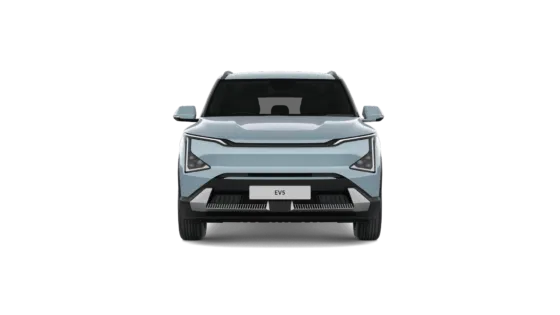
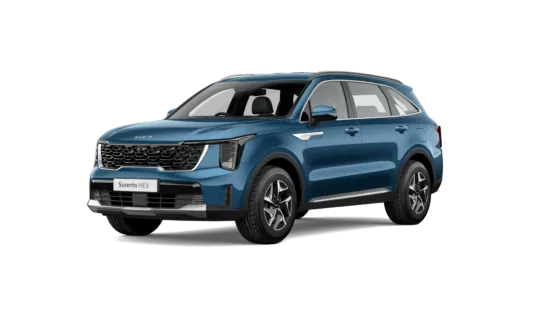
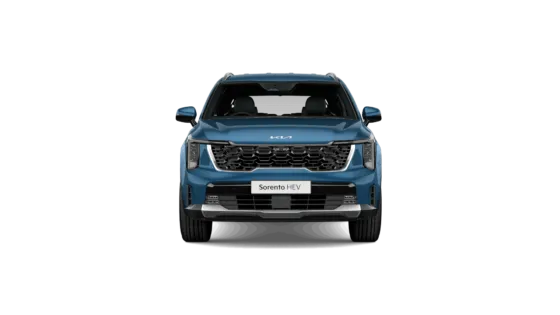
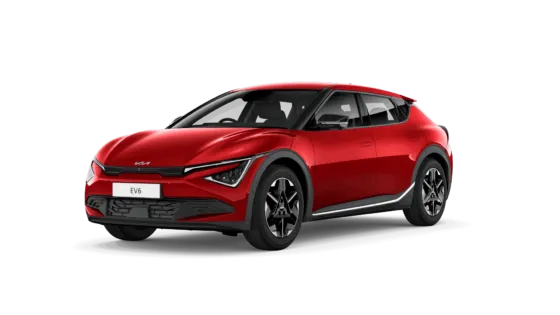
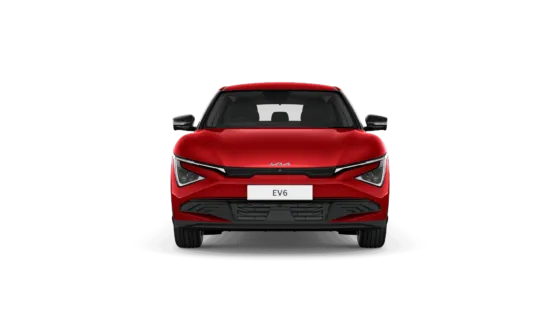
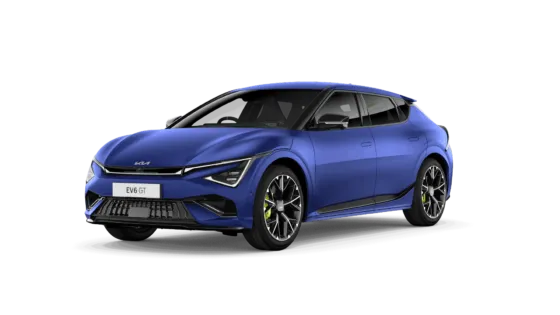
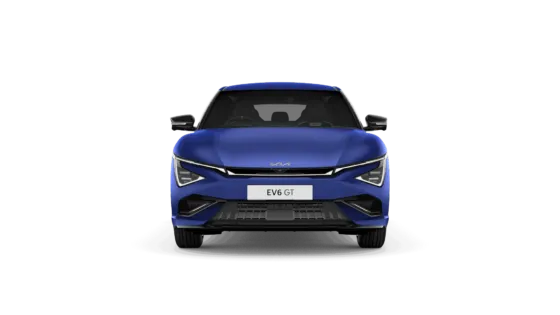
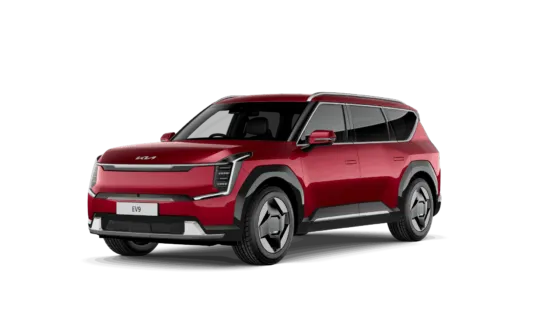
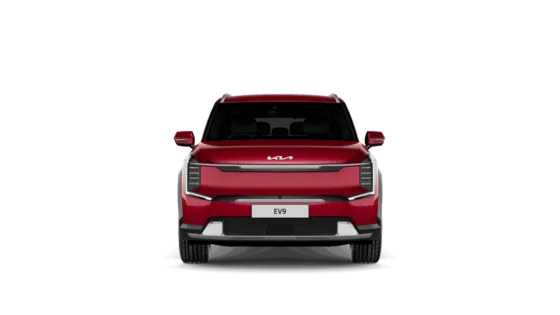
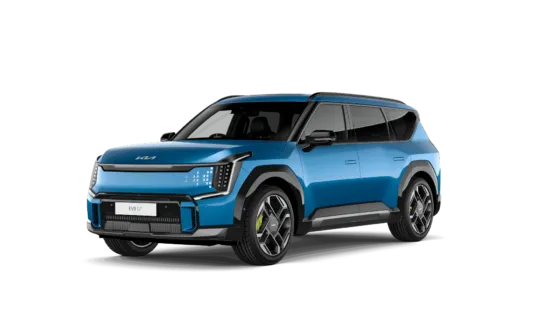
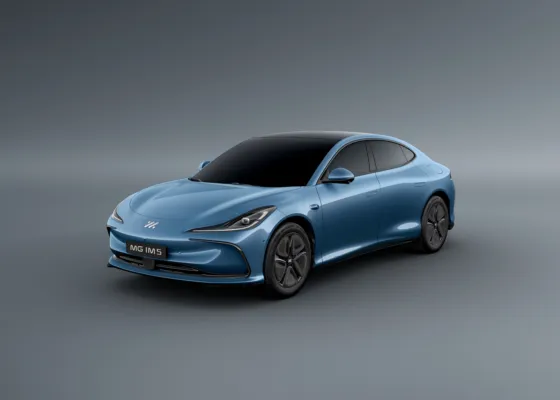
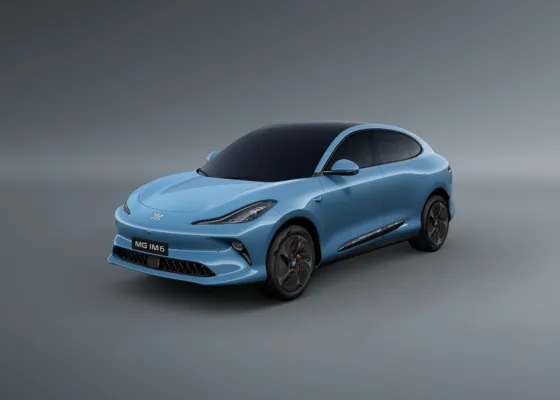
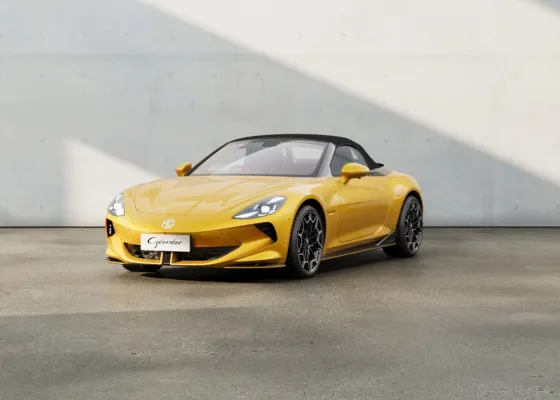


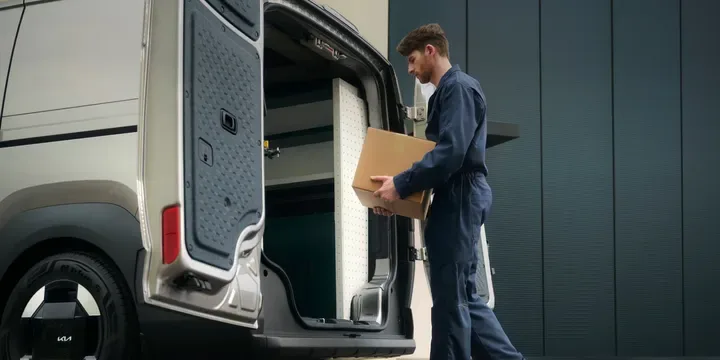



See it for yourself
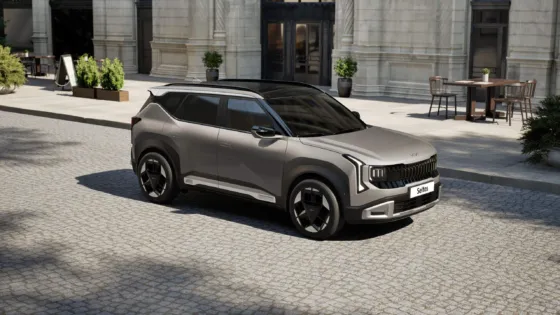
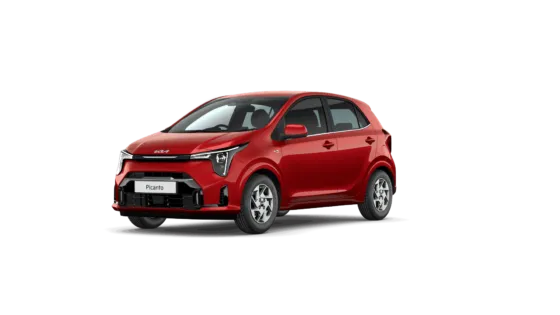
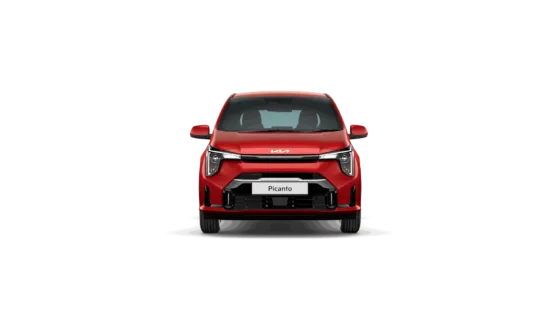
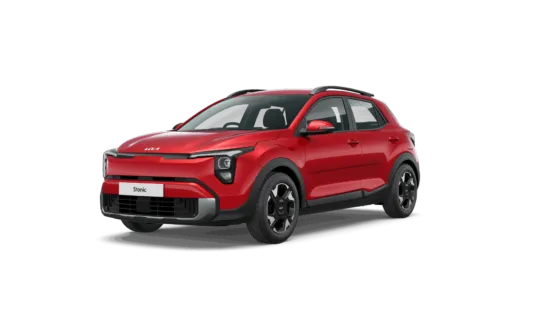
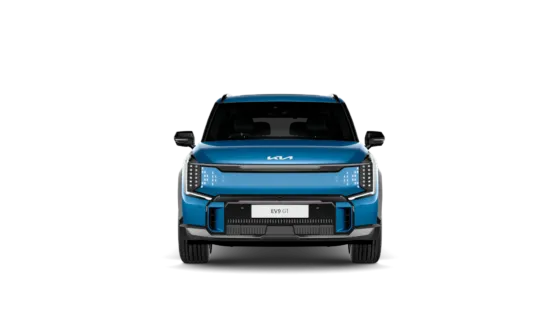
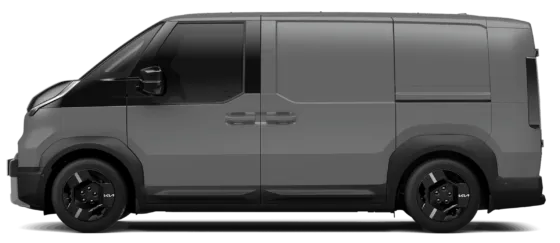
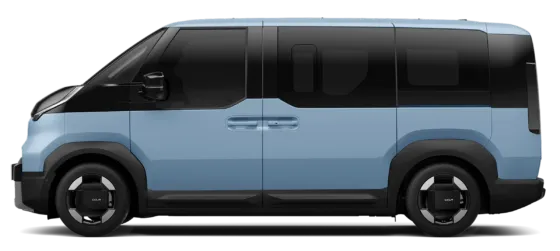
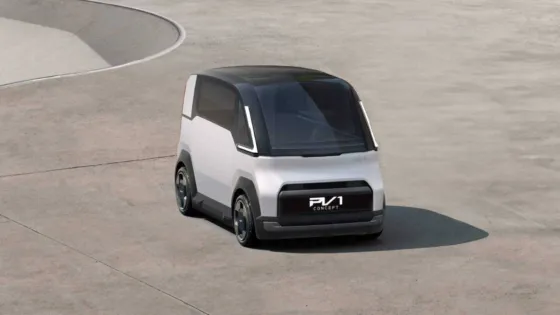
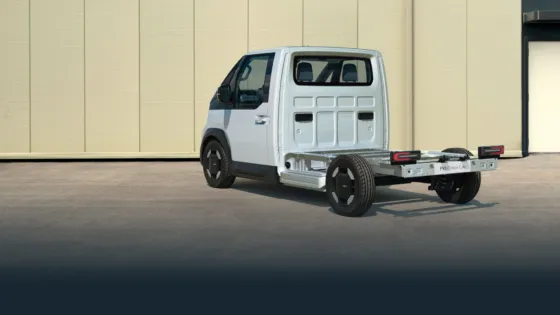
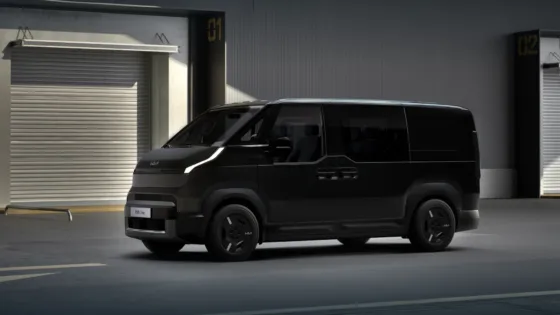
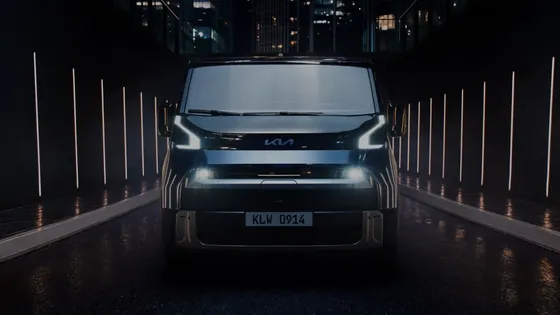
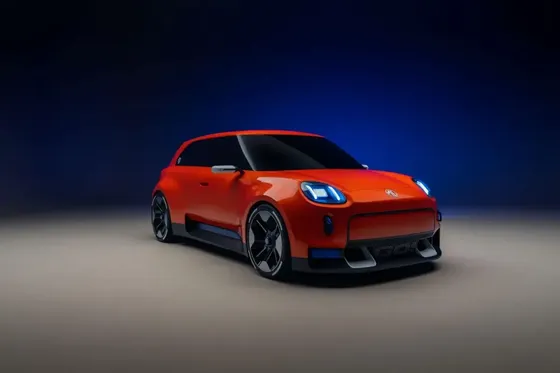
Explore the photographs and book a test drive from the vehicle page. Check that the space, comfort and driving experience work for you.
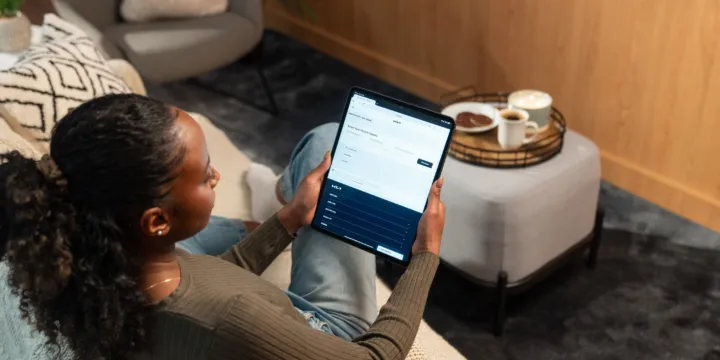
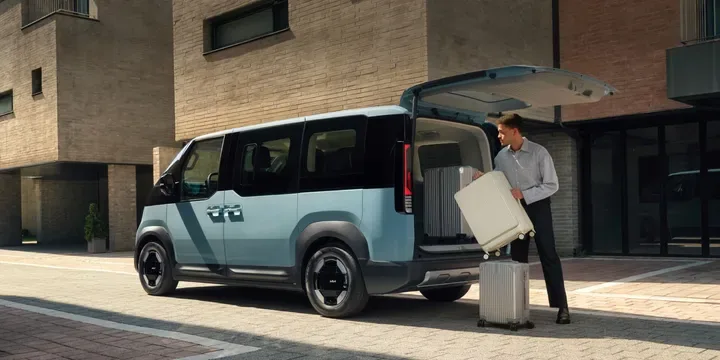
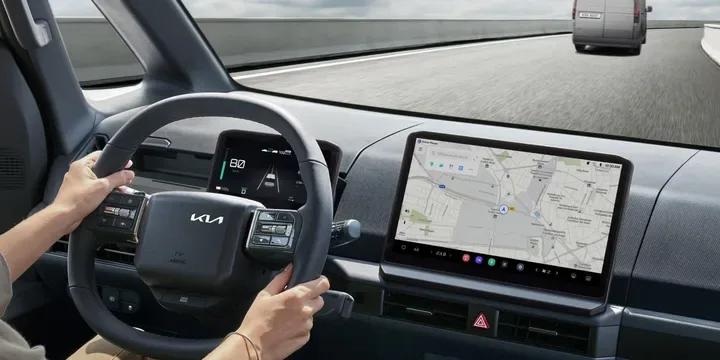


From your first shortlist to your next set of keys, explore how to buy, reserve, finance or part-exchange with us here at Acorn.
Choose your next vehicle, explore your options and take the next step online or with us at your dealership.
Search by make, model, budget or registration. Review the photographs, specification, price and dealership details.
Explore the available finance figures, tell us about a part exchange and save your preferences using Build a Deal on the vehicle page.
Where available, select Reserve this vehicle to open the secure Codeweavers checkout. Check the reservation fee and terms before continuing.
Arrange a test drive or discuss collection with the dealership. Opening checkout alone does not reserve the vehicle - wait for confirmation.
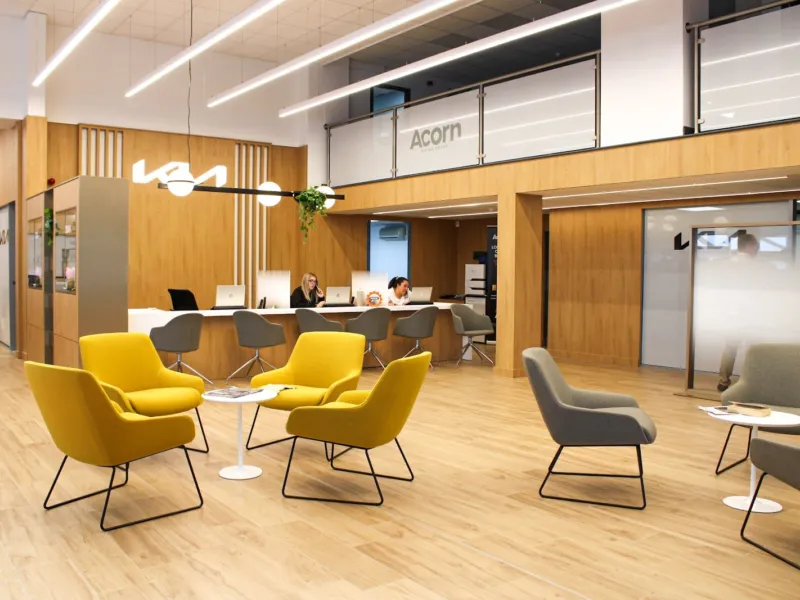
Buying outright or considering finance? Each vehicle page shows its cash price and any available finance examples. Choose Customise your finance to explore the products, deposit, term and annual mileage available for that vehicle.
Examples can use different deposits, terms and products. Compare the full finance example and total amount payable alongside the monthly payment. Finance is subject to status and terms; product availability varies by vehicle.
Thinking about a part exchange? Start with your registration and mileage, then tell us about your vehicle’s condition, service history and keys to get an estimated price where available.
You can also add your vehicle in Build a Deal. We’ll review its condition and history, and any outstanding finance, before confirming an offer.
Here at Acorn, we’re here to help you choose your next vehicle and understand the next steps.
Explore the photographs and book a test drive from the vehicle page. Check that the space, comfort and driving experience work for you.
Contact the dealership looking after your chosen vehicle. Ask about its history, condition, specification and any warranty or cover included.
Compare vehicles side by side and explore finance or part exchange. We can talk through your preferences before you decide.
Practical answers before you reserve, enquire or arrange a visit.
Open the vehicle page and select Reserve this vehicle, where available. Follow the secure checkout instructions and review the fee and terms shown. Your reservation is not complete until you receive confirmation.
Yes. Use Book a test drive on the vehicle page to request your preferred date and time. The dealership will confirm availability and your appointment before you travel.
Contact the dealership shown on the vehicle page. We can check current availability, answer your questions and help you arrange the next step.
Tell us that there is outstanding finance and provide a current settlement figure if you have one. We’ll discuss the settlement and any amount remaining or shortfall before agreeing a part exchange.
Check the information for the specific vehicle and confirm the details with its dealership. Cover, eligibility and terms can vary, so we’ll explain what applies to the car you’re considering.
Explore our used stock or speak to your local Acorn dealership for a hand with your next step.
We couldn’t load these vehicle details. Please try again or open the full vehicle page.
Loading vehicle photos…
We’re preparing the photography. You can still explore this vehicle’s details below.
